Learn how an adaptive Gantt schedule can complement Scrum or Kanban for milestones, dependencies, and cross-team forecasts without turning agile work into a fixed waterfall plan.
Gantt charts still matter in agile environments when teams need to coordinate milestones, cross-team dependencies, external dates, and longer-horizon forecasts. They become harmful when every backlog item is frozen months in advance and the chart is treated as a promise rather than a model that changes with evidence.
Reviewed August 7, 2026. This guide relies on agile principles and scheduling practice, not disputed universal project-success percentages.
Are Gantt charts incompatible with agile values?
No. The Agile Manifesto values responding to change over following a plan; it does not say “never plan.” A useful Gantt chart makes current assumptions visible and easy to revise. An anti-agile chart hides uncertainty, punishes honest updates, or forces teams to preserve an obsolete sequence.
The question is not whether a timeline exists. It is how the timeline is used.
What should an agile Gantt chart contain?
Keep it at the coordination level:
- release or program milestones
- dependencies across teams, vendors, or systems
- approvals, procurement, migration, and launch windows
- high-level work packages rather than every daily task
- forecast ranges or explicit uncertainty where possible
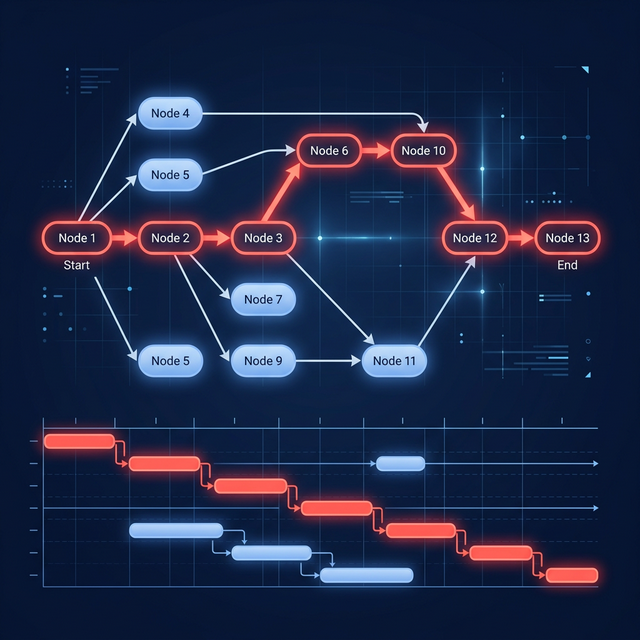
- the current critical and near-critical paths
The Product Backlog remains the ordered source of future product work in Scrum. The Sprint Backlog is a plan by and for the Developers. A cross-team Gantt schedule should not silently replace either artifact.
How do Scrum and a Gantt schedule fit together?
Use different horizons for different decisions:
| Horizon | Primary question | Useful view |
|---|---|---|
| Today to current Sprint | What are we doing and learning now? | Sprint Backlog or Kanban |
| Next releases | Which milestone and dependency risks need coordination? | High-level Gantt schedule |
| Product direction | Which outcomes and themes matter? | Product Goal and roadmap |
At Sprint Review, update the longer forecast with what was learned. At Sprint Planning, use external constraints as context without assigning a fixed individual task plan from outside the team.
How do you keep a Gantt chart adaptive?
Use rolling-wave planning. Detail near-term work; keep later work at a higher level until evidence justifies decomposition. Mark assumptions and decision dates. Recalculate the schedule when scope, duration, dependency, or capacity changes.
Practical rules:
- Separate committed dates from forecasts.
- Link only real scheduling constraints.
- Avoid false precision beyond the reliable planning horizon.
- Update remaining duration, not only percent complete.
- Review near-critical paths and external dependencies.
- Keep a change record for sponsor-level commitments.
Which agile problems can a Gantt view expose?
A timeline can reveal that three teams need the same specialist in the same week, a vendor approval blocks multiple releases, or an integration milestone has no predecessor logic. A Kanban board may show flow inside one team while hiding those longer chains.
The chart cannot solve the conflict automatically. It gives the team and stakeholders a shared object for negotiating sequence, scope, capacity, and date.
What are the common anti-patterns?
- scheduling every user story a year in advance
- treating target dates as fixed without a decision record
- measuring productivity by whether bars match an old plan
- changing the chart privately and presenting it as team consent
- hiding incomplete dependency logic behind attractive colors
- using the chart to assign daily work during the Daily Scrum
- ignoring actual progress, remaining duration, or resource conflicts
An outdated chart is worse than no chart because it creates false confidence.
When should an agile team skip the Gantt view?
Skip it when work has few meaningful date dependencies, the team is optimizing continuous flow, and a service-level expectation or Kanban board answers the planning question. Do not maintain a second artifact merely because a template says every project needs one.
Use the smallest view that enables the decision.
How can GanttFather support an agile planning model?
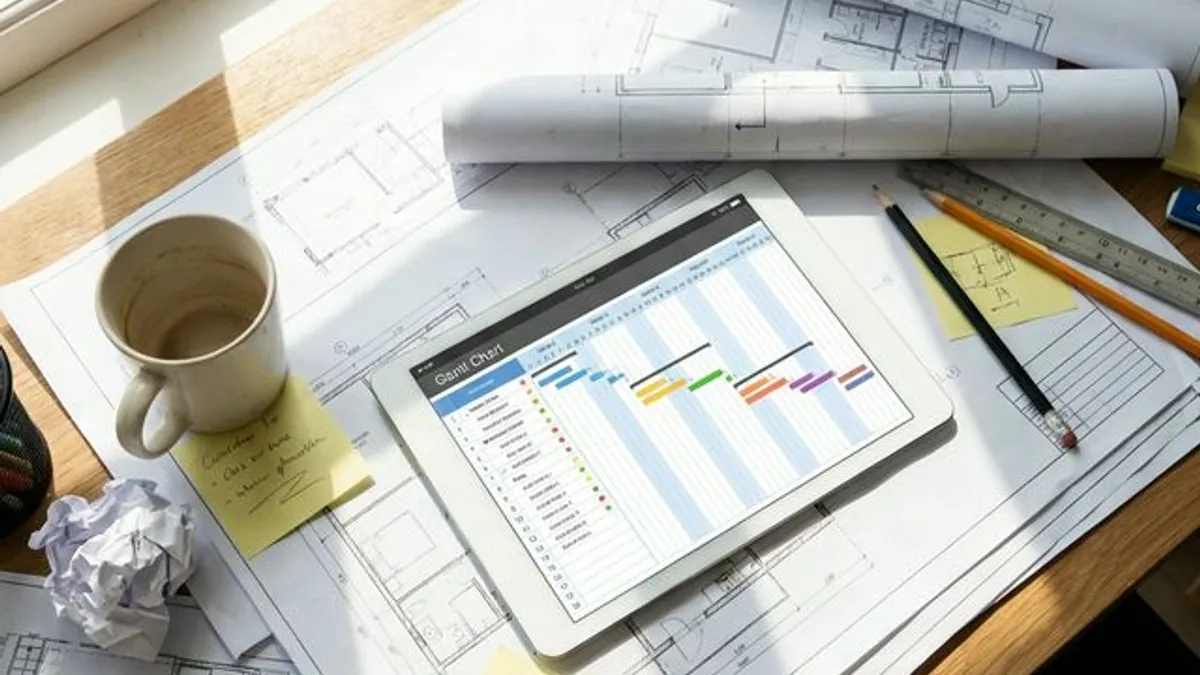
GanttFather combines an interactive dependency-based timeline with a synchronized Kanban view. Teams can use Kanban for daily flow while delivery leads track milestones, external handoffs, and the critical path on the same task data.
GanttFather does not make a forecast certain, automatically level resources, or provide a dedicated baseline overlay. The team must still update assumptions and preserve formal commitments in its governance process.
Build an adaptive schedule in GanttFather and review it at the same cadence as the work it represents.
Frequently asked questions
Does agile mean no deadlines?
No. Agile methods encourage empirical planning and adaptation. Organizations can still have market, regulatory, contractual, or operational dates.
Should every user story appear on the Gantt chart?
Usually not. Include the level of work needed to explain milestones and dependencies; keep daily detail in the team’s working system.
Can a Gantt chart replace the Product Backlog?
No. In Scrum, the Product Backlog is the ordered, emergent list of work needed to improve the product.
How often should an agile timeline be updated?
Update it when meaningful evidence changes and review it at a predictable cadence, often around Sprint Reviews or release-planning checkpoints.
Is a roadmap the same as a Gantt chart?
No. A roadmap communicates strategic outcomes and direction; a Gantt chart models scheduled activities and dependencies.
What is the best level of detail?
Enough detail to expose coordination risk, but not so much that maintaining the chart becomes a second full-time plan disconnected from team work.